kolosAQ
Measures the room. Temperature, humidity, air-quality index and pressure.
Meet the sensor ↗MEET THE KOLOS LINEUP
Sense your space. Make it respond.
Bring it together on your Mac.
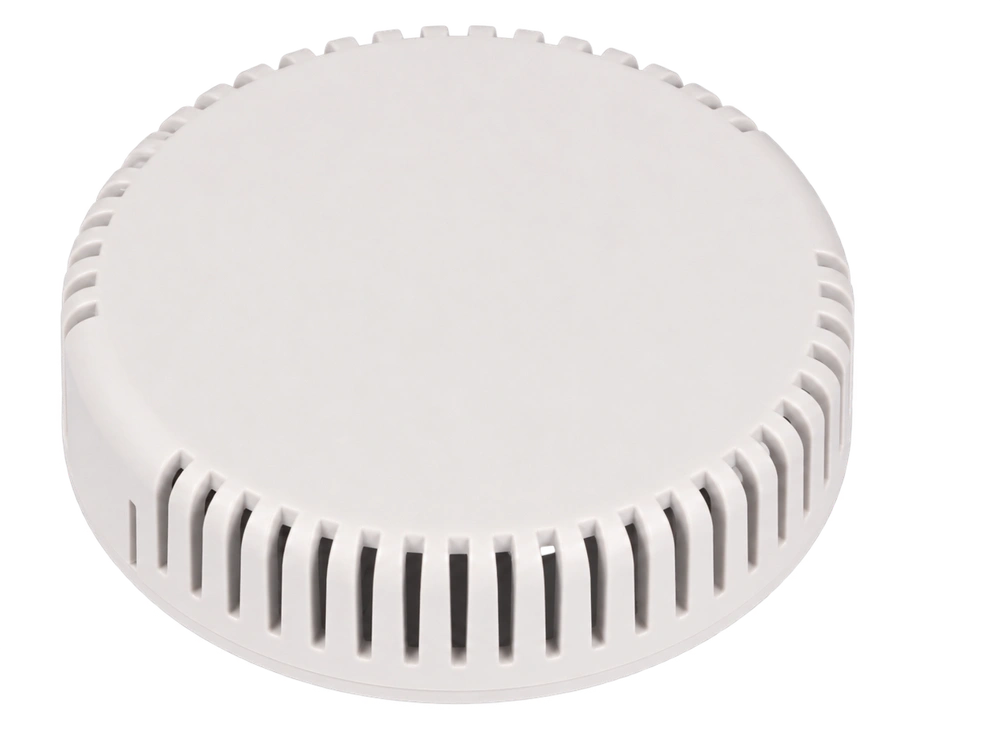
Know your air. Let your room respond.
Pair kolosAQ with a KOLOS controller to turn ventilation up when air quality declines, and ease it back down as it improves. Your script sets the response.
kolosDrive12
Room temperature. Air quality. A reason to act. Listen to kolosAQ and drive 24 V heating valve actuators and ventilation servos, following your own program.
Programmable hardware · no preloaded application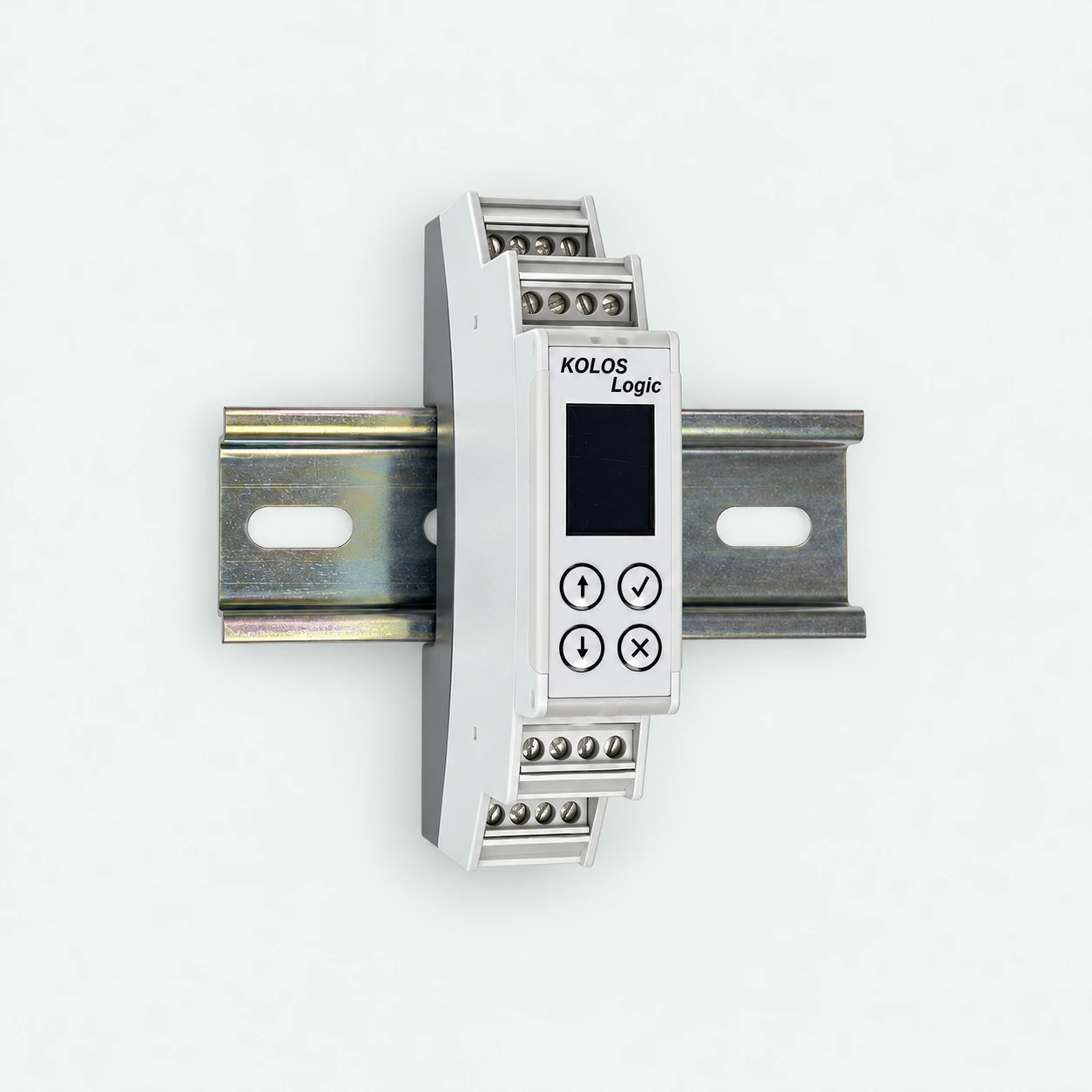
kolosControl64
Set ventilation speed. Read a temperature probe. Respond to a contact. Six inputs and four analog outputs for the application you define.
Discover kolosControl64 ↗1 unit · 17.8 mm wide · four rows of terminals · OLED + buttons.
KOLOS FOR MAC
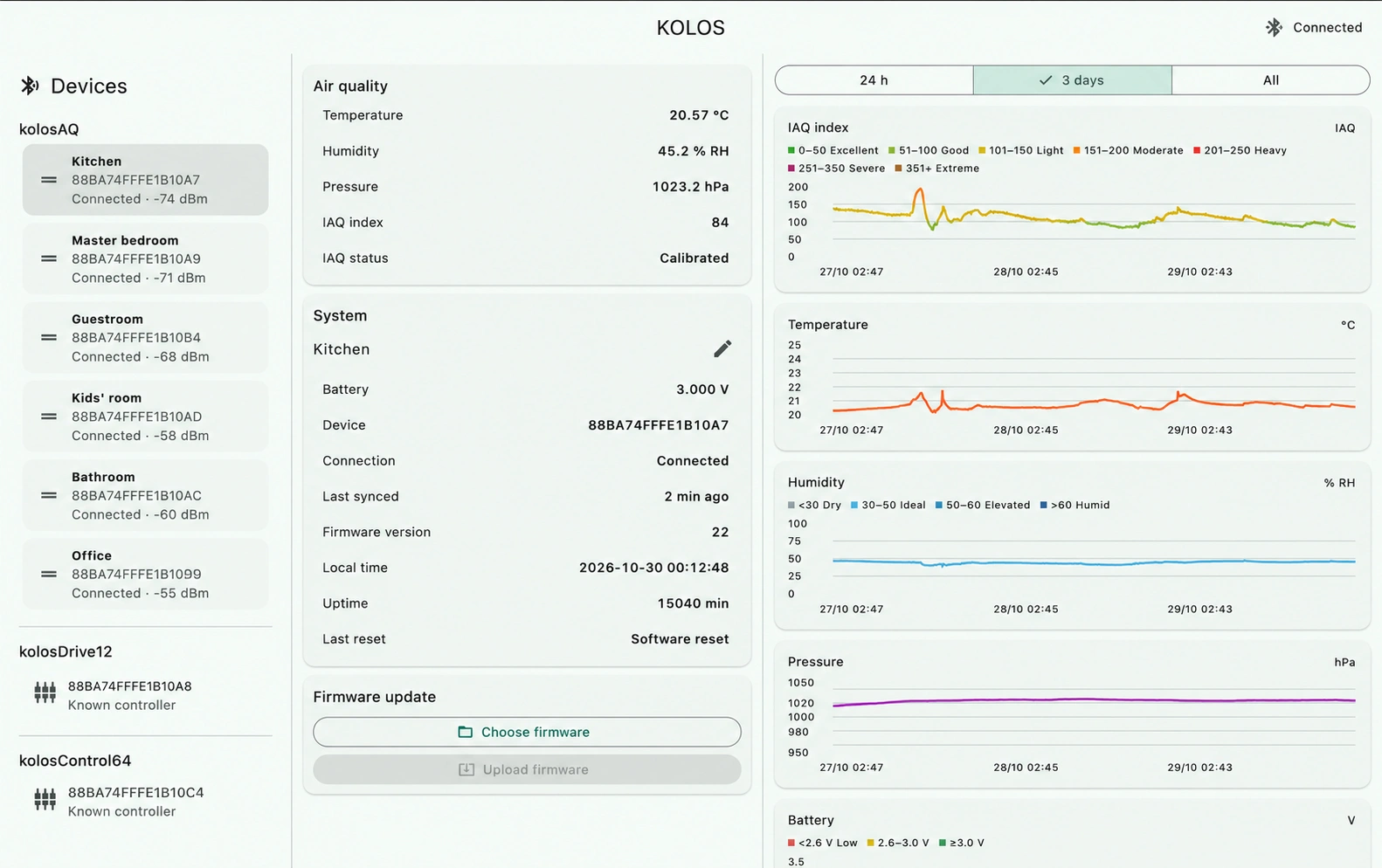
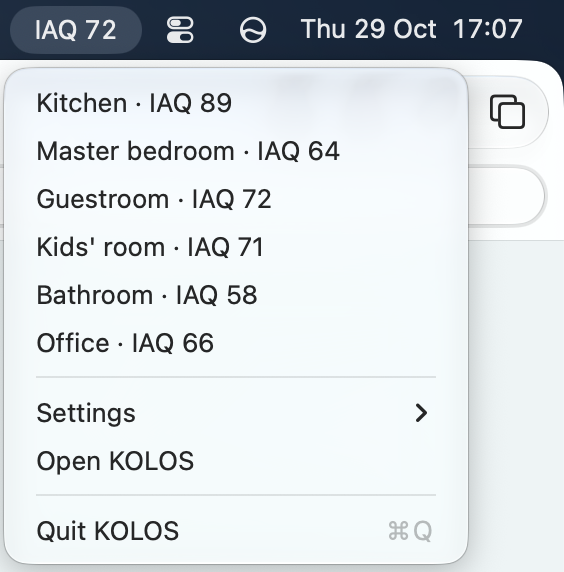
Room names. Real history. A glance at the menu bar.
And a place to configure your controller.
THE BIGGER PICTURE
Measures the room. Temperature, humidity, air-quality index and pressure.
Meet the sensor ↗See the history. Review and load a program that defines how your controller responds.
Explore the app ↗Turn sensor readings into action for 24 V actuators, using your uploaded program.
Explore control ↗kolosDrive12: on/off/PWM for heating valve actuators and ventilation servos. kolosControl64: analog signals for applications such as ventilation speed control.
YOUR REQUIREMENTS. YOUR PROGRAM.
KOLOS controllers ship without a preloaded application. A documented scripting language lets you define what the hardware does. Write the script yourself, or ask AI to help turn your requirements into one.
Describe the sensors, connected equipment and behavior you want. Give your AI assistant the KOLOS language documentation.
Review the generated script, its input and output assignments, and what should happen if sensor data stops arriving. Compile and check it before use.
Load the program onto the controller. The logic then runs locally, without the AI assistant or your Mac needing to stay connected.
“Use the room sensor to control a 24 V heating valve around my chosen temperature. Define what the output should do if fresh readings stop arriving.”
Describe the result you want. Review and test your script, then make it your own.
TRY IT · TWO READINGS. ONE RESPONSE.
Air quality or humidity: either can turn ventilation up. Move the sliders and see this simple logic in action.
Explore analog ventilation control ↗ON SAMPLE(room)
BEGIN
speed := 20.0;
airQualitySpeed := 20.0 + (room.iaq - 100.0);
humiditySpeed := 20.0 + (room.humidity - 60.0) * 4.0;
IF airQualitySpeed > speed THEN speed := airQualitySpeed;
IF humiditySpeed > speed THEN speed := humiditySpeed;
IF speed > 100.0 THEN speed := 100.0;
ventilation := speed;
END;Speed is a percentage. Either reading can increase it; the higher demand wins.
Each IAQ point above 100 adds 1% fan speed.
Each humidity point above 60% adds 4% fan speed.
Start at 20%. Use the higher demand. Stop at 100%.
Both readings are below their boost thresholds. Ventilation stays at 20%.
AND OF COURSE, TEMPERATURE TOO.
One room. Two comfort settings. Switch between heating and cooling, with a separate target for each.
HYST() takes care of the small switching band. Inside it, the valve keeps its previous state instead of switching back and forth.
SWITCH cooling = FALSE
  LABELS 'Heating', 'Cooling';
PARAM heatingTarget = 21.5 RANGE 16.0..26.0
  LABEL 'Heating setpoint';
PARAM coolingTarget = 24.0 RANGE 18.0..30.0
  LABEL 'Cooling setpoint';

ON SAMPLE(room)
BEGIN
  IF cooling THEN
    valveClosed := NOT HYST(
      room.temperature, coolingTarget, 0.2)
  ELSE
    valveClosed := HYST(
      room.temperature, heatingTarget, 0.2);
END;
Define a switch and setpoints in your script; they appear as controls in KOLOS for Mac. Switch labels run left to right: Heating (FALSE), Cooling (TRUE). In this valve setup, HIGH closes the valve and LOW opens it. NOT reverses the response for cooling.
CHOOSE YOUR STARTING POINT