Four rows of terminals.
A stepped layout makes room for connections within the narrow enclosure.
kolosControl64
Six inputs for dry contacts, PT1000 probes or 24 V-tolerant signals. Four op-amp analog outputs from 0 to 24 V, up to 60 mA. Define your own logic for ventilation speed or another application.
Buy · €149 ↗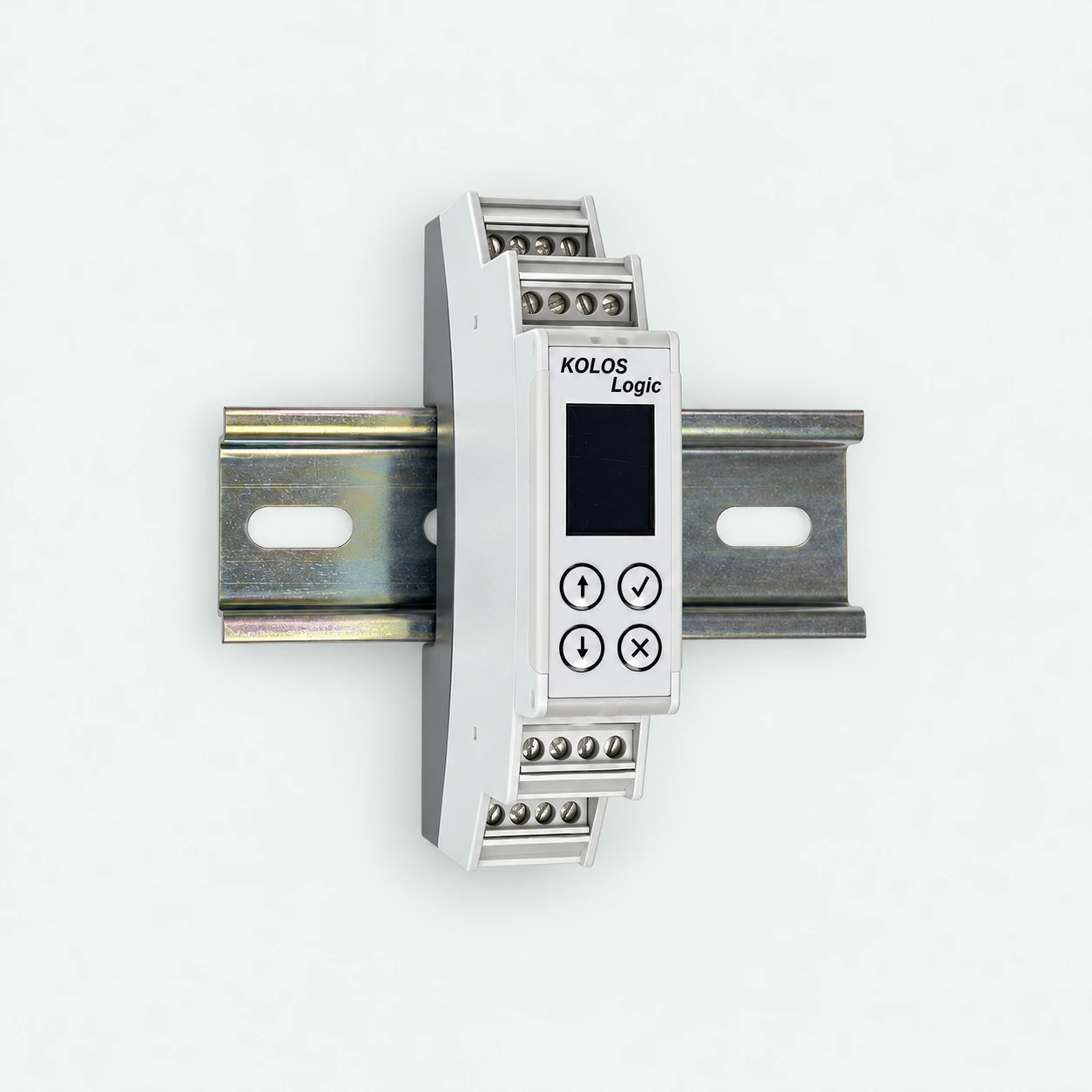
THE SAME COMPACT ENCLOSURE. TWO DIFFERENT CONTROLLERS.
Four rows of terminals keep the connections stacked, not spread across the cabinet. Both controllers fit in a single 17.8 mm-wide unit, with an OLED display and four buttons on the front.
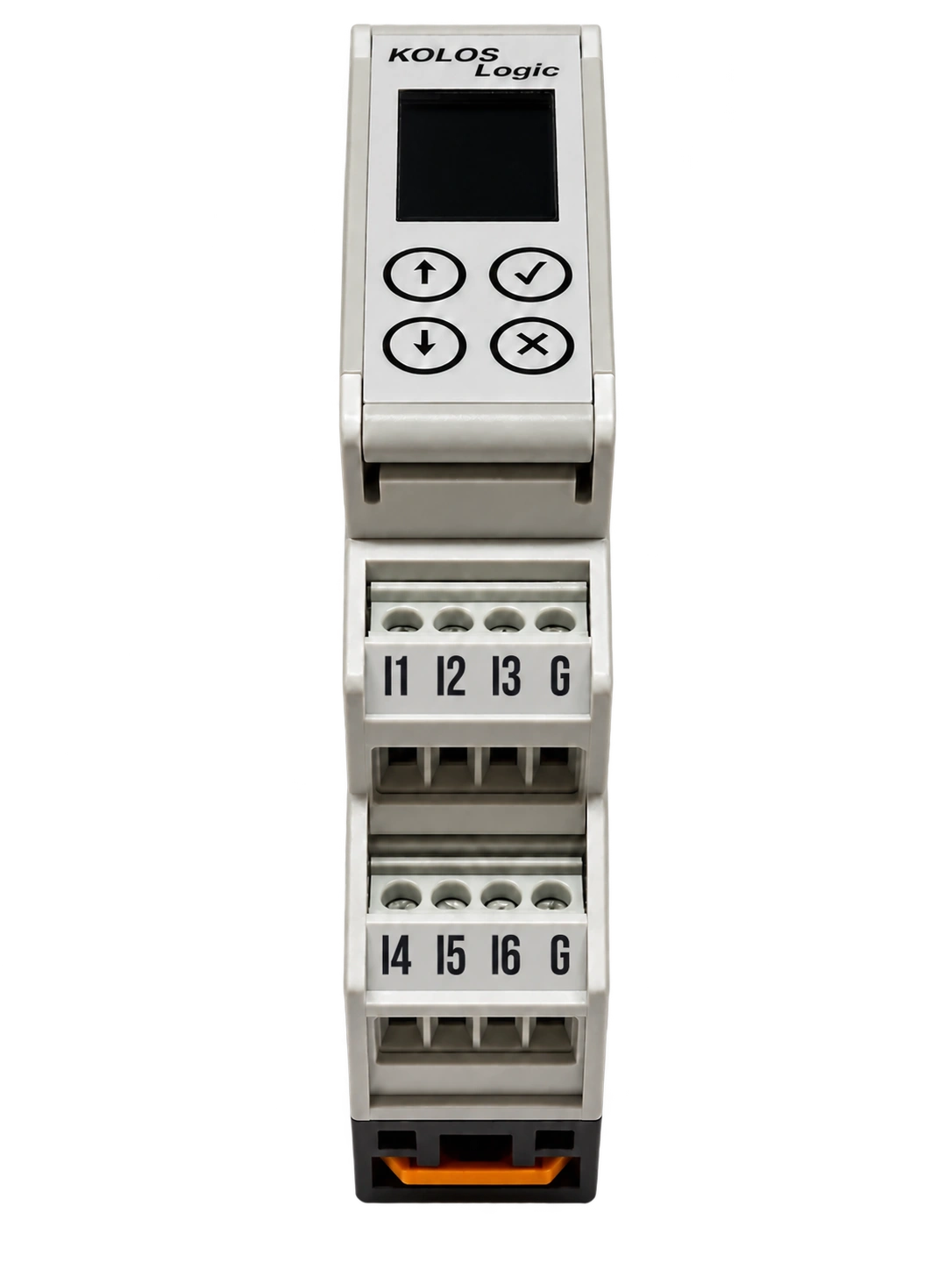
Just one unit wide.
A stepped layout makes room for connections within the narrow enclosure.
A display and physical controls built into the front. Your script defines how they work.
The same physical format for kolosDrive12’s on/off/PWM outputs and kolosControl64’s inputs and analog outputs.
A SIGNAL THAT DOES MORE
Use an analog output to request a ventilation speed from equipment. Or build a different application around the six inputs and four outputs. You define the behavior in the script.
TRY IT · TWO READINGS. ONE RESPONSE.
Air quality or humidity: either can turn ventilation up. Move the sliders and see this simple logic in action.
Explore analog ventilation control ↗ON SAMPLE(room)
BEGIN
speed := 20.0;
airQualitySpeed := 20.0 + (room.iaq - 100.0);
humiditySpeed := 20.0 + (room.humidity - 60.0) * 4.0;
IF airQualitySpeed > speed THEN speed := airQualitySpeed;
IF humiditySpeed > speed THEN speed := humiditySpeed;
IF speed > 100.0 THEN speed := 100.0;
ventilation := speed;
END;Speed is a percentage. Either reading can increase it; the higher demand wins.
Each IAQ point above 100 adds 1% fan speed.
Each humidity point above 60% adds 4% fan speed.
Start at 20%. Use the higher demand. Stop at 100%.
Both readings are below their boost thresholds. Ventilation stays at 20%.
YOUR REQUIREMENTS. YOUR PROGRAM.
KOLOS controllers ship without a preloaded application. A documented scripting language lets you define what the hardware does. Write the script yourself, or ask AI to help turn your requirements into one.
Describe the sensors, connected equipment and behavior you want. Give your AI assistant the KOLOS language documentation.
Review the generated script, its input and output assignments, and what should happen if sensor data stops arriving. Compile and check it before use.
Load the program onto the controller. The logic then runs locally, without the AI assistant or your Mac needing to stay connected.
“Use a contact input to request a higher ventilation speed through an analog control input. Define the normal speed and what should happen on an input fault.”
Describe the result you want. Review and test your script, then make it your own.
SPECIFICATIONS
A ventilation unit with an analog speed input is one example. Read contacts or PT1000 probes, then set an analog output according to your script. The controller is sold empty, ready for a program loaded over Bluetooth.
TWO CONTROLLERS. DIFFERENT JOBS.
Twelve outputs, up to 250 mA each. For applications that need switching or pulse-width modulation with equipment.
Explore kolosDrive12 ↗Six configurable inputs and four 0–24 V analog outputs, up to 60 mA. For applications that need to read field inputs and provide a variable control signal.
EXPLORE THE LINEUP